
The rep app
Give every rep a way forward.
The rep app opens to the next things worth doing, and Fluid drafts a message for each one. Reps share your store under their own link, and leaders see who’s rising, who’s gone quiet, and who needs a note.
Next steps
Every rep opens the app to a next step.
Fluid watches carts, shares, videos, messages, and events, and turns them into a short list of things to do today, each with a button to do it.
- 28 kinds of Catch UpA cart left behind, a link shared with no order after two days, a video half-watched, an event in two days. You switch each one on or off.
- One tap to actEach Catch Up has its own action, like Text, Message, RSVP, or View product, and reps can dismiss what doesn’t apply.
- A message, draftedFluid drafts a short follow-up in the contact’s language for each one, and the rep decides what to send.
- A daily summaryThe app sums up the last day in a few sentences, with the easiest win first.
Sharing
Share your store, credited to the rep.
Reps send products, videos, pages, and playlists through one link to your store, and every visit and order is credited to them.
- One link, every channelCopy it, show a QR code, or send it to Facebook, LinkedIn, X, Instagram, TikTok, or a text.
- Kits by productEach product’s shareable photos, videos, and pages are grouped into a ready kit.
- Playlists that sellProducts tagged on a playlist show up as recommendations in the cart.
- See who lookedThe activity feed shows orders, carts, leads, page views, and video views, like a visitor from Portland, OR.


Portal
One portal, shaped by country, rank, and role.
Build the rep portal from screens and widgets, show each rep the version meant for them, and release changes as versions. Ask Mist for a new screen and it builds it for you to activate.
- Profiles by audienceTarget a portal by country, rank, role, and whether it’s on the phone or the web.
- Screens out of the boxContacts, orders, subscriptions, customers, shop, share, messaging, and activity.
- Start from a templateDashboard, Engagement Hub, or Showcase, filled with the widgets reps use every day.
- Versions you activateEach version is a snapshot, and reps see it only when you make it live.
Leaders
See who’s rising and who’s gone quiet.
The Field tab shows how many reps were active compared with a normal day, who’s picking up speed, and who has stopped. A note is one click away.
- Field momentumReps active yesterday against a typical weekday, reps active this month, and rep revenue so far this month.
- Rising and going quietUp to five reps each, with what they bring in and what’s at risk.
- A leaderboard with contextThe top 50 reps by revenue, with visitors, orders, trend, their best asset, and how they moved.
- Reach the whole downlineLeaders can message their entire downline from one place.
Getting started
A first order that starts a business.
New reps join through an enrollment pack: products, a subscription, the agreements, and a fee in one cart. Events and announcements keep them in the loop from day one.
- Packs with rulesSet the products, subscription, fee, agreements, member type, and countries for each pack.
- Sign-up questionsAsk for text, a number, a date, or a file, before or after the purchase.
- Events on the calendarShown by country, with an RSVP nudge two days before.
- Announcements by rankSend news to the ranks and countries it’s meant for.
Commissions
Works with your commission engine.
Fluid doesn’t calculate commissions. Keep the engine that pays your reps today. Fluid Connect has guided setups for Exigo, Pillars, and InfoTrax, and each order reaches the engine with the credited rep, price type, volume, and subscription already on it.
- Keep your compensation planYour engine keeps calculating and paying commissions on the plan you run now.
- Credit settled at checkoutFair Share names the rep when the order is placed, so there’s nothing to reconcile later.
 United States · USD
Back office sync
Keep your comp plan where it is
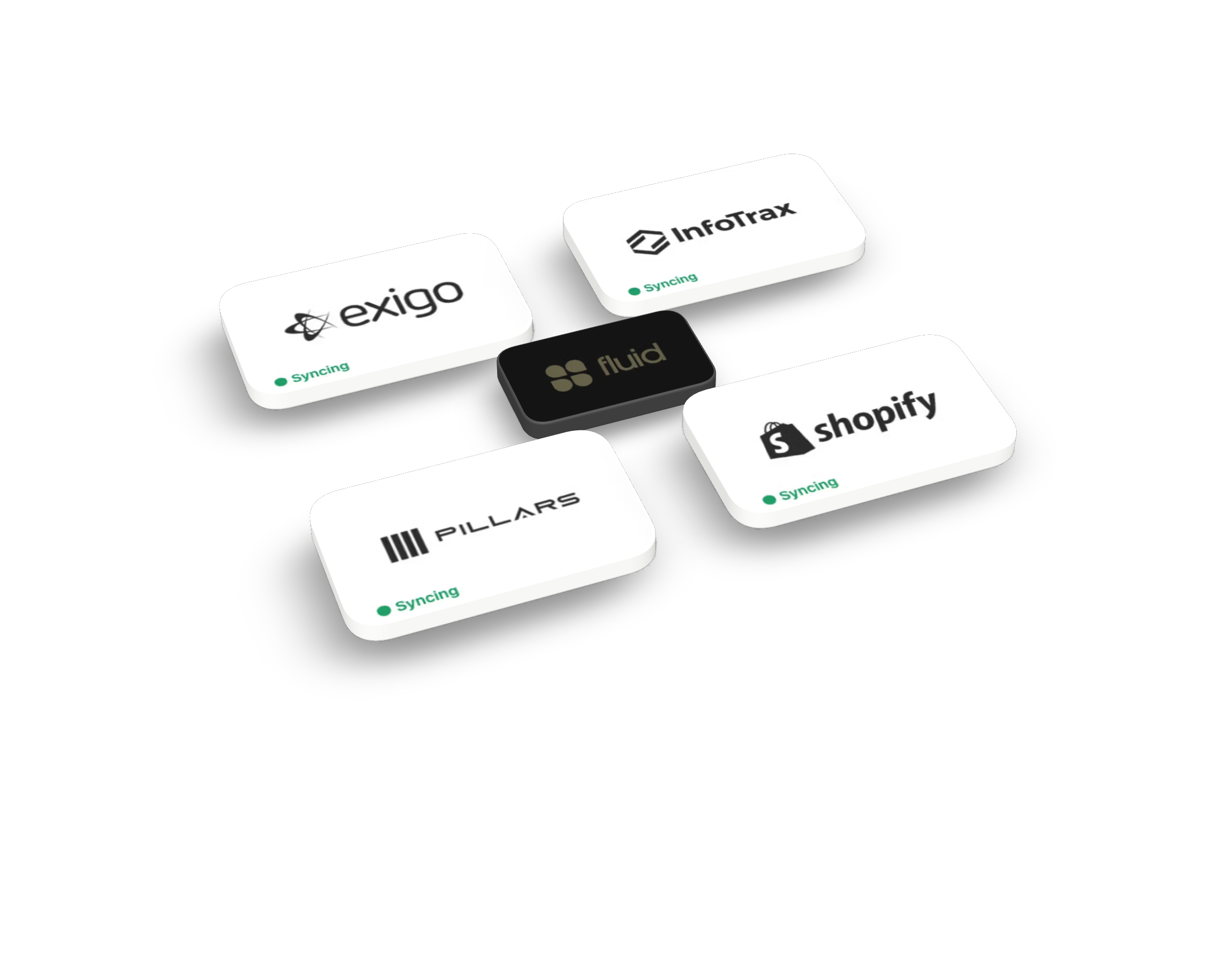
Fluid works alongside Exigo, InfoTrax, and Pillars. It records the enroller, sponsor and placement for every member and puts the right volume on every order line.
Haven Wellness moved off Shopify without taking the business offline, and went from kickoff to live in four days.
Front end and back end
Keep the front end and the back end apart.
Changing a commission engine is hard when the engine is wired into everything else. The storefront, the checkout, the rep’s back office, and the order data all depend on it, so a move means rebuilding what customers and reps use every day. Fluid keeps the two jobs separate. Fluid runs the front end: where people shop, enroll, share, and get credit. Your engine runs the back end: the plan and the payouts. A connection carries each order from one to the other.
- Change the engine, keep the storeCustomers and reps keep the same checkout, app, and links while the engine behind them changes.
- Change the front end, keep the planOpen a market, add a channel, or redesign the storefront without touching your compensation plan.
- One handoff to get rightEvery order leaves Fluid with its credited rep, price type, and volume, whichever engine receives it.
Compensation plans
Fluid sends the data. Your engine pays the plan.
Fluid doesn’t process commissions. That frees it to do one job well: making sure every order and its volume reach the right place, complete and credited to the right person. What each order pays is your call. An affiliate plan, an influencer plan, a social selling plan, and a multi-level plan can all draw on the same orders.
- One record for every planEach order carries the credited rep, the sponsor, the price type, and the volume.
- Add a plan without a rebuildStarting an influencer program doesn’t change your checkout or your rep app.
What it replaces
One app for the field instead of five.
Field teams often juggle a rep portal, an enablement tool, a content library, and a chat app, none of which know what sold. In Fluid, the next step, the content, and the credit share one record.
Usually
- Rep portals
- Field enablement platforms
- Onboarding tools
- Content libraries
- Separate team chat apps
- Catch Ups with drafted messages
- Share links to your store
- A portal by country, rank, and role
- Field momentum and leaderboard
- Enrollment packs
- Events and announcements
FAQs
Questions field teams ask.
Every compensation plan and field is different. We’ll map yours with you.
Do reps get their own website?
They share your storefront at their own address, like form.com/maya/shop, and get credit for what sells. A rep’s MySite is a personal link page that points back to your store.
Where do reps use Fluid?
In the rep portal on the web and in the mobile app, both set up from your admin.
Who writes the Catch Up messages?
Fluid drafts one for each Catch Up with AI, short and in the contact’s language. The rep decides what to send, and nothing goes out until they do.
Can we choose which Catch Ups reps see?
Yes. Each of the 28 kinds can be switched on or off, and you can send a custom Catch Up to a specific rep through the API.
How do leaders know who needs help?
The Field tab compares yesterday’s active reps with a typical day and lists who’s rising and who’s gone quiet, with what’s at risk and a button to send them a note.
Does it work with our compensation plan?
Fluid records who made each sale and who earns the volume, and syncs with back offices like Exigo and InfoTrax, so your plan keeps running where it does today.
Explore the platform
The field touches everything.
The same reps, links, and credit run through your store, your content, and your customers.
See it with your field
Bring us your field. We’ll show you their Monday morning.
We’ll walk through the rep app, the share link, and the leader view in Fluid, with your products and your ranks.